An OST file only makes sense alongside the Outlook profile and the Exchange or Microsoft 365 account it’s tied to. Break that connection, and the file just sits there. It happens more than people expect. An account gets deleted before anyone thinks to preserve the mailbox. A profile gets corrupted, or an Exchange connection drops and never comes back. Whatever the cause, IT ends up with an orphaned OST file and no easy way to get at what’s inside it.
Stellar Data Recovery sells into that gap with two products. One is a free online OST to PST converter. The other is a paid desktop application called Stellar Converter for OST. I spent time with both to see how they hold up against what the product pages claim, rather than taking the marketing copy at face value.
Why OST Files Become Unreadable
An OST file is a cached copy of a mailbox. It only works alongside the Outlook profile and Exchange or Microsoft 365 account that created it. Break that link, and Outlook won’t open the file. There’s no simple double-click fix, the way there is with a portable PST file.
That’s why OST to PST converter exists as its own category of software. A PST file doesn’t depend on a live server connection or an intact profile. Once the data is converted, it opens again, no matter what happened to the original account.
Testing the Free Online OST to PST Converter
Online OST to PST converter by Stellar runs entirely in the browser. You upload an OST file, wait for it to process, and download a PST. Stellar’s product page says conversion takes about 15 minutes for files under 500MB. Those convert for free. Larger files cost $29.99 each.
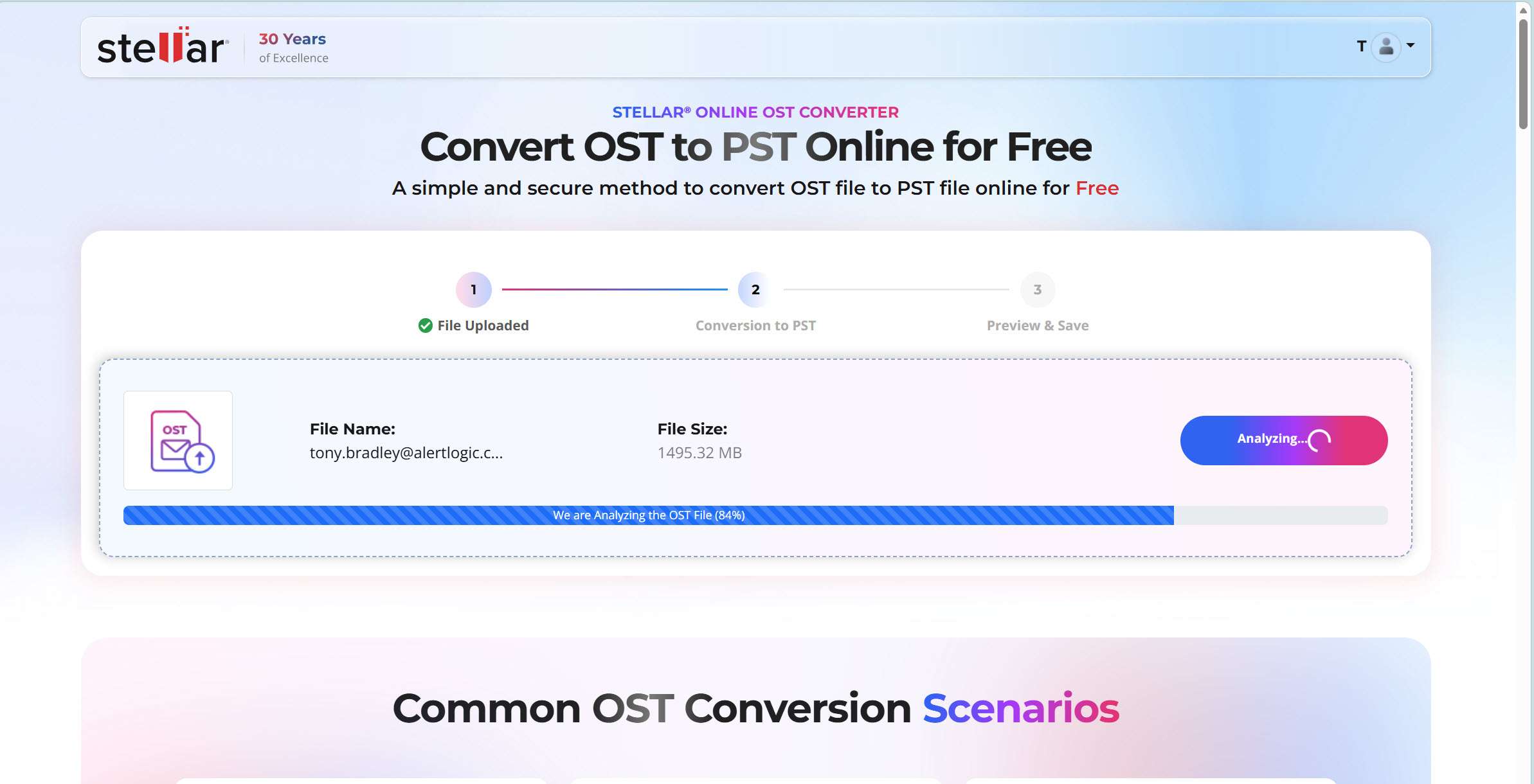
I ran a small test file through it. The upload was unremarkable. The site accepted the file, processed it, and produced an HTML preview where I could verify individual folder item counts and folder structure hierarchy. That’s reasonable, and more than some converters at this price bother to offer.
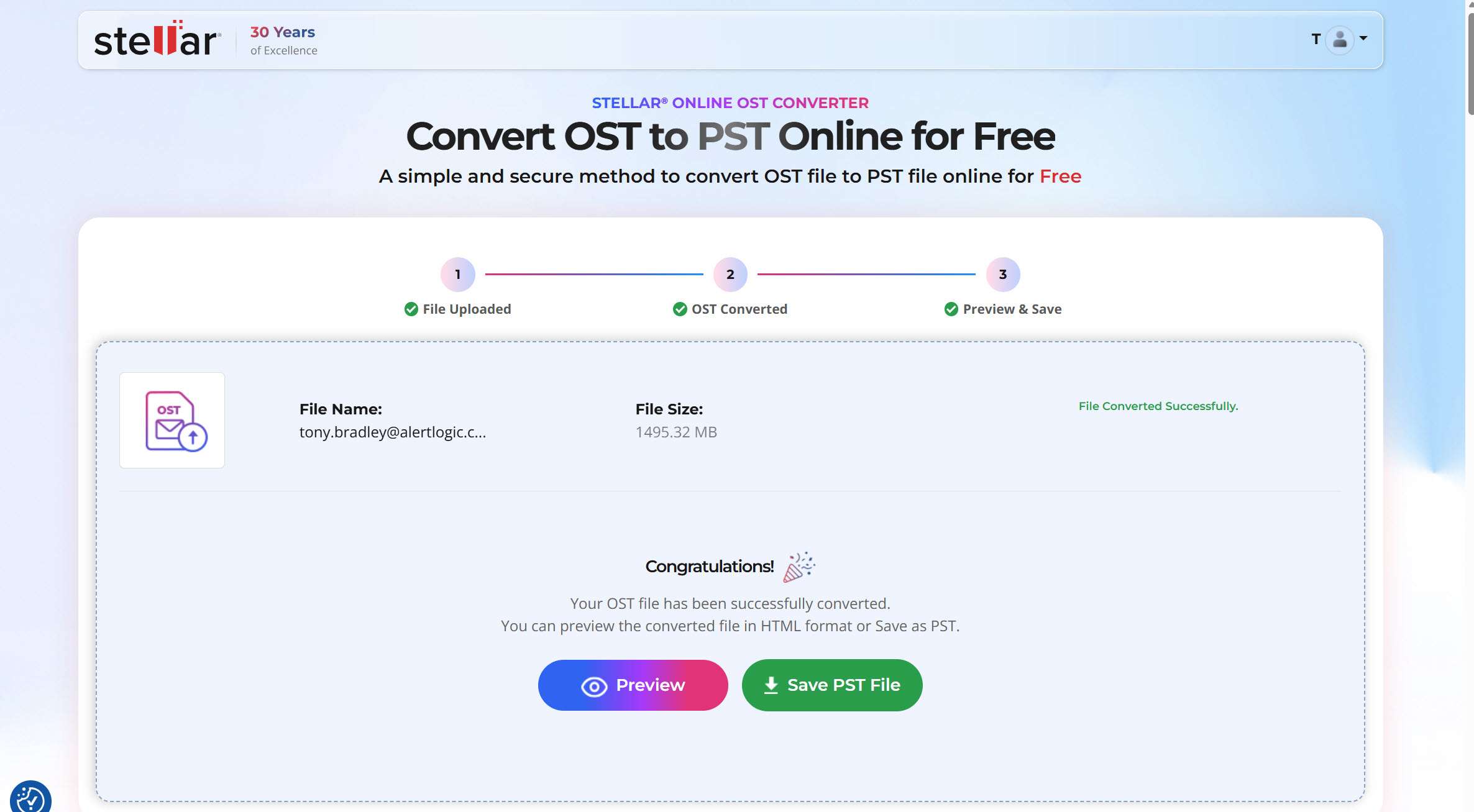
Stellar’s online OST to PST Converter process is designed with data privacy in mind. When an OST file is uploaded for conversion, Stellar states that the uploaded data is automatically deleted from its servers after 24 hours, helping limit the period for which the data is retained.
For organizations working with sensitive or regulated mailbox data, IT teams can review their internal data-residency and compliance requirements when choosing between online and locally installed conversion options. This provides organizations with the flexibility to select the deployment approach that best aligns with their data-handling policies and project requirements.
For a single small mailbox, the free tool worked as described. It’s built for exactly that: one file, under 5GB, in decent shape to start with. There’s no batch processing.
When the Free Tool Isn’t Enough
For IT teams handling multiple OST files or larger Exchange mailboxes, the desktop version can be a more convenient choice, especially when you want greater control over how your mailbox data is handled. Stellar’s answer for that audience is the desktop application, Stellar Converter for OST.
Testing the Desktop Converter
I installed the desktop tool on a test machine to see how it compares. On launch, it scanned the system and found the OST files already tied to existing Outlook profiles, which saved a step. You can also point it at a file manually if it doesn’t find what you’re looking for.
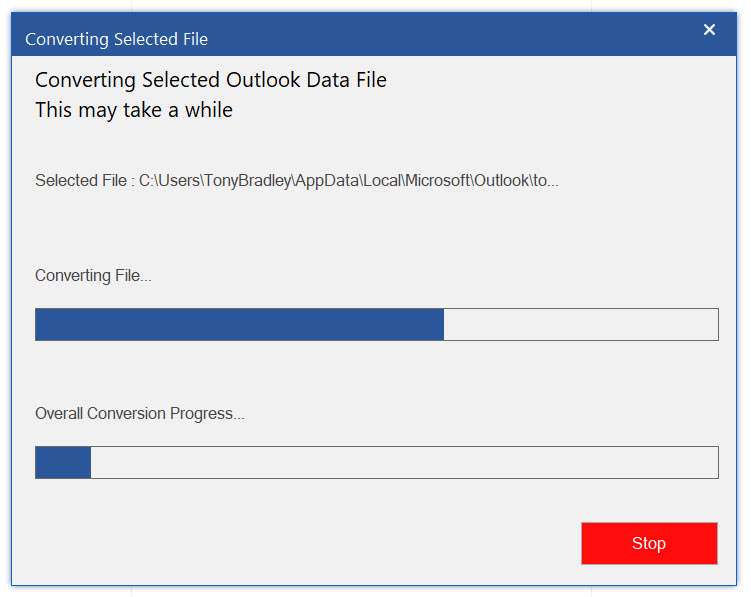
Before running a conversion, I could open folders and individual messages, along with contacts, calendar entries, and attachments, to see what was actually in the file. The online tool only previews at the folder level, not message by message. Several competing tools skip this step entirely and convert blind, which makes it harder to know what you’re getting until it’s already done.
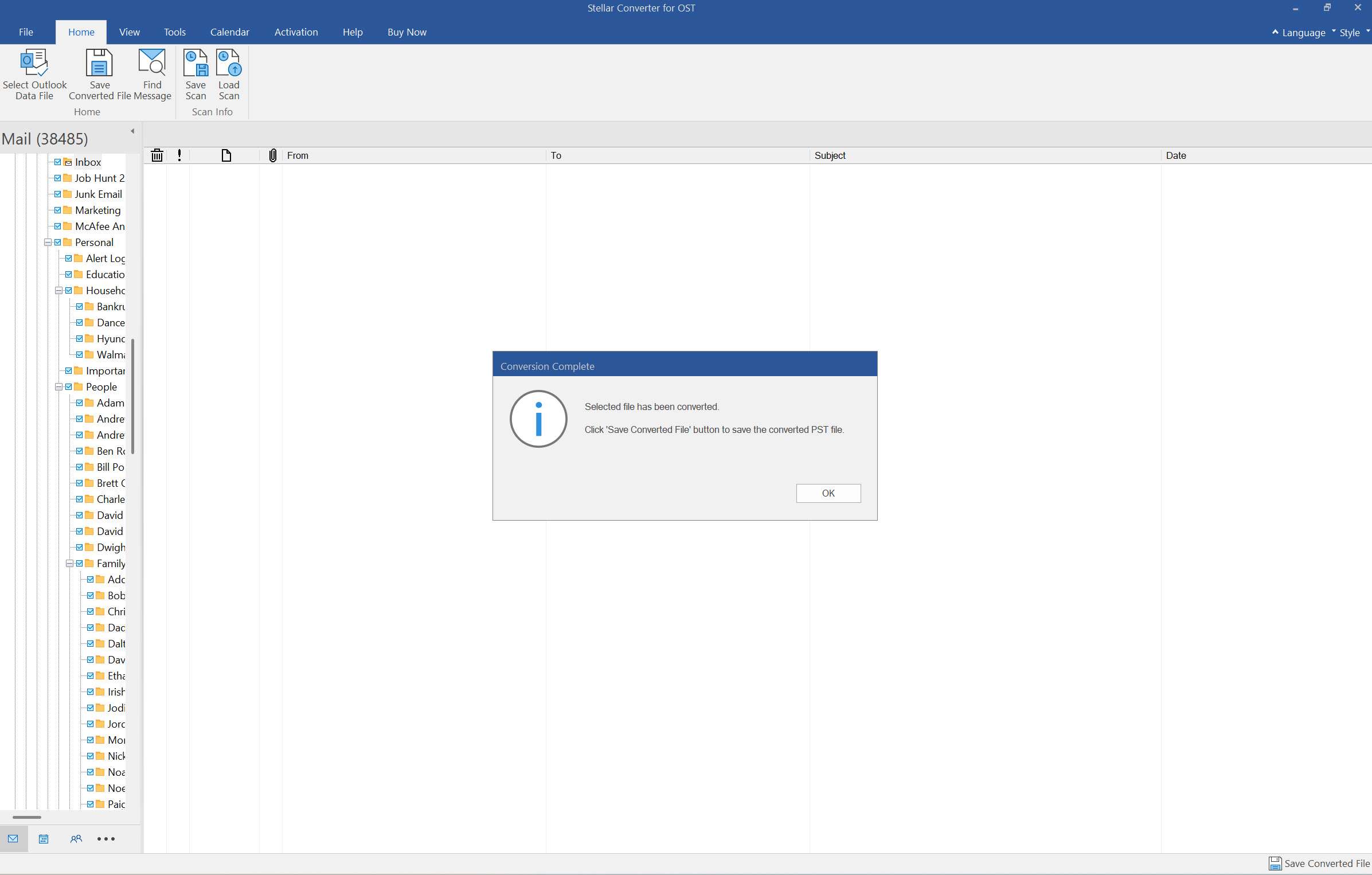
Beyond the preview, the desktop version adds selective folder conversion and support for larger mailboxes. Depending on the edition, it also adds deleted item recovery and batch conversion (technician edition) across multiple OST files. Some editions export directly to a live Exchange or Microsoft 365 environment. I didn’t test the deleted-recovery or batch export features directly in this pass. Anyone relying on them for something critical should verify results against their own damaged files first.
Comparing the Two Tools
The two products solve different problems more than they compete head-to-head. The table below reflects what’s documented on Stellar’s site, along with what held up in testing.
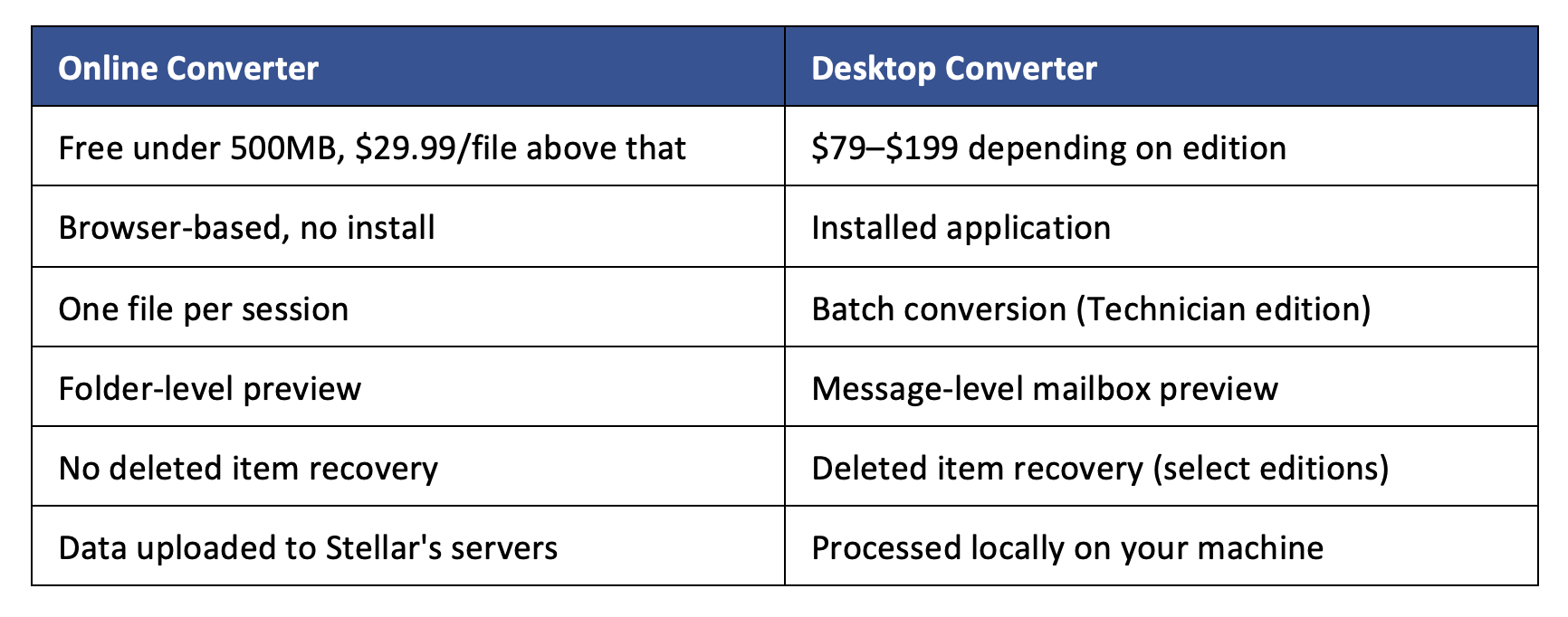
Pricing for the desktop version runs from $79 for the Corporate edition up to $199 for the Toolkit edition. The Technician edition sits in between at $149 and adds the batch and live-export options.
Deciding Which One to Use
The online converter is a great choice for a single small mailbox. Stellar Converter for OST Desktop Edition is built for IT teams, MSPs, and anyone working with larger mailboxes. That’s especially true if you need batch processing, deleted-item recovery, or a look inside the file before committing to anything. Which one fits depends less on convenience and more on what’s actually in the mailbox. Before uploading, just check the file size and condition to make sure you’re choosing the option that best suits your needs.
- Best OST to PST Converter? A Practical Look at Online Tool and Desktop Converter by Stellar - August 17, 2026
- The Clear Benefits of Using Consulting Services in Aviation - February 19, 2026
- How Technology Is Changing The Way People Think About Long-Term Financial Planning - February 16, 2026