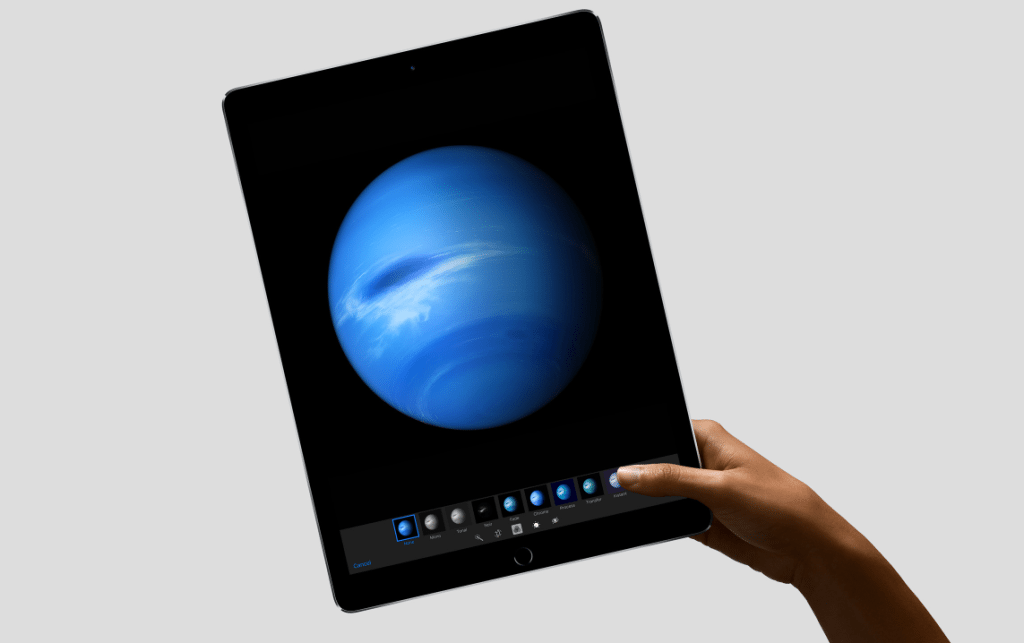
Apple unveiled the iPad Pro earlier this week—a larger variation on the iPad theme that borrows a number of elements from Microsoft’s Surface Pro tablet line. As Apple strives to play a larger role in the enterprise through partnerships with IBM and Cisco, the challenge will be convincing businesses—and the end users—that a large iPad 2-in-1 can replace a traditional PC.
Back in 2011 I spent 30 days using my iPad in place of my Windows laptop PC. At the end of that experience I came to the conclusion that an iPad may not work for everyone, but that for an average user who basically just surfs the Web, peruses social media, and sends and receives email there is no reason that an iPad—or any tablet, really—couldn’t perform those same functions.
A lot has changed since 2011. Even before the iPad Pro the iPad line has improved significantly in terms of its performance over the past few years. The inclusion of a physical keyboard option and the Apple Pencil stylus both make the iPad Pro more functional as a laptop replacement as well. Still, this bit of what I wrote at the end of the 30 Days with an iPad series is still valid for the most part:
There are a number of scenarios where an iPad simply won’t work as a PC replacement. If you are a developer–even a developer of apps for an iPad–you need a PC. If you are a professional photographer, or a graphic artist, you need a PC. If you are a hardcore gamer, you need a PC. I can keep adding to that list, but basically using an iPad as a PC replacement will not work for everyone.
Perhaps the biggest change that has occurred over the past few years that makes the iPad Pro viable as a potential PC replacement is Microsoft. The shift in strategy by Microsoft to embrace the cross-platform ecosystem and make Microsoft Office and other key Microsoft products available across rival devices removes one of the biggest obstacles for the iPad as a laptop replacement. Microsoft was at the Apple event this week and stood on stage to reveal that it has improved apps developed specifically for iOS 9 and the iPad Pro that will make Microsoft Office arguably better on the iPad Pro than it is on a standard Windows PC or even on the Surface Pro 3 itself.
The flip side of that, though, is that the iPad Pro still runs iOS. It is still primarily a mobile device trying to be a PC—whereas the Surface Pro tablet is a PC trying to be a mobile device. Not much has changed since my experience using the iPad as a laptop replacement for 30 days. It is still a suitable device for a limited range of tasks and applications. It still won’t work as well as a traditional PC for a number of specific functions.
More importantly—at least as it relates to the ability of the iPad Pro to compete with Windows PCs in a business environment—it can’t run the software that organizations have already invested in and rely on to get things done. Many applications have transitioned from Windows-based applications to Web-based applications—which should function the same regardless of platform—and it is possible to run Windows software as a virtual application that can be accessed from an iPad, but that’s a lot of hoops to jump through and inertia to overcome before the iPad Pro can gain any real traction.
The iPad line has come a long way since 2011 and yet most of the reasons it wouldn’t work as a PC replacement four years ago still apply today. IBM and Cisco partnerships notwithstanding, the iPad Pro won’t be a serious threat to the Surface Pro line or the traditional PC experience.

- The Real Cost of AI Hasn’t Shown Up Yet - September 30, 2026
- What It Took to Drill Down to 33 Trapped Miners - September 25, 2026
- Rebuilding Identity Security From Scratch for the Age of AI Agents - September 21, 2026